Sync any Custom Post Type
with full taxonomy and hierarchy preservation.
By Jon B.· Updated
Short answer
EZ Page Sync pushes custom post type entries from staging to production one at a time or in bulk. Portfolios, case studies, and docs arrive with their taxonomies and term hierarchy, and nothing else on the live site changes. Custom post types and bulk sync need a paid plan.
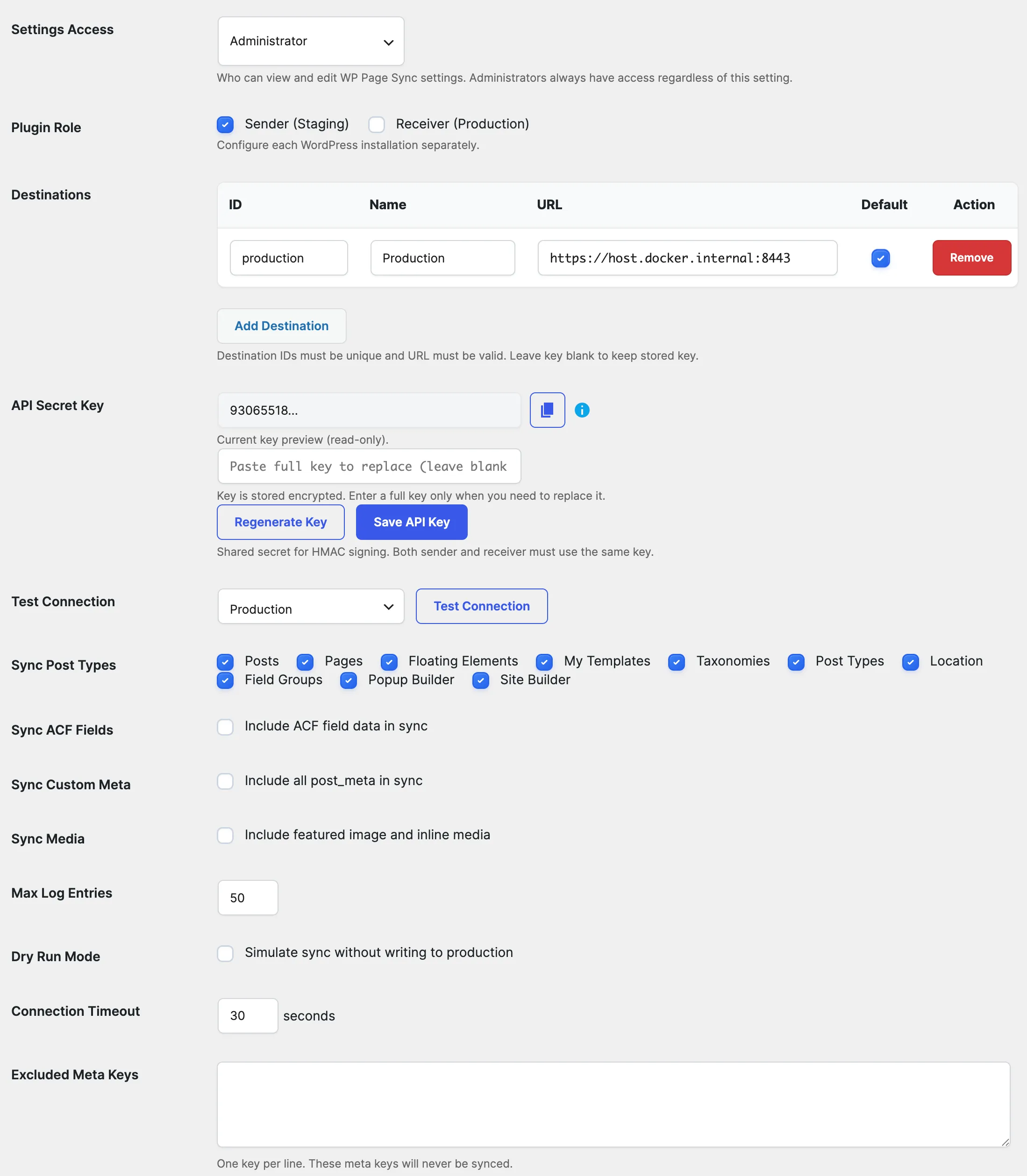
Custom Post Types (CPTs) are the backbone of modern WordPress sites — from Case Studies and Documentation to Portfolios and Team Members. EZ Page Sync lets you push single or batch CPT entries directly from staging to live with categories, tags, custom taxonomies, and parent-child hierarchies intact.
Key Specifications
The Problem
Why are custom post types hard to move between sites?
WordPress Core's XML export/import tool was built in 2008. It fails completely when dealing with modern CPT relationships.
Disconnected Taxonomy Categories & Tags
Manual XML imports fail to map custom taxonomy term IDs correctly, disconnecting posts from their filters and categories on live.
Lost Parent-Child Hierarchies
Hierarchical post types (like nested documentation or multi-tiered service pages) lose their parent relationships when imported piecemeal.
Duplicate Slugs and 404 URL Errors
Improper imports generate renamed permalinks (e.g. `case-study-2`) that break external backlinks and cause 404 redirect loops.
The Solution
How does EZ Page Sync sync custom post types?
EZ Page Sync treats all registered WordPress post types as first-class citizens.
Universal CPT Compatibility
Works with any post type created via CPT UI, ACF, code (`register_post_type`), or plugins like WooCommerce and LearnDash.
Complete Taxonomy Synchronization
Automatically ensures categories, tags, and custom taxonomy terms exist on production, creating missing terms and preserving hierarchy.
Bulk CPT Deployment
Push a single new case study or select 20 documentation articles at once using the bulk sync interface.
Slug and Permalink Integrity
Matches posts by slug or ID, intelligently updating existing live posts or creating new ones without ugly permalink collisions.
Workflow
How does it work in practice?
Select CPTs on Staging
Go to your CPT admin listing (e.g. Case Studies, Services, Docs) and select the items ready for production.
Trigger Granular Push
Choose your destination and dispatch the sync payload with a single click.
Published on Production
CPTs appear live immediately, categorized under the correct terms and styled with all custom metadata.
How does it compare to the WordPress export and import tools?
| Feature | EZ Page Sync | the WordPress export and import tools |
|---|---|---|
| Selection | Choose single entries | Export by post type |
| Existing entries | Updated in place | Not updated by a normal import |
| Steps | One direct push | Download a file, then upload it |
| Undo | One-click rollback | Manual cleanup |
Frequently Asked Questions
Questions about Content Operations
Does EZ Page Sync work with post types created by other plugins?
Yes. As long as the post type is registered in WordPress (`get_post_types()`), EZ Page Sync can package and sync its content, meta, and taxonomy terms.
What happens if a custom taxonomy term doesn't exist on production?
EZ Page Sync automatically creates the missing taxonomy term on production (matching slug and name) before assigning it to the synced post.
Can I sync draft CPTs without publishing them publicly?
Yes! Post status (Draft, Pending, Private, or Published) is preserved during sync so you can stage reviews on production before going live.