How to Sync Yoast SEO Data from Staging to Production
By Jon B.· Updated
Short answer
To sync Yoast SEO data from staging to production, move the page's post meta along with its content. Yoast stores titles, descriptions, and focus keyphrases in _yoast_wpseo_ meta fields, so a copy and paste leaves them behind. A page-level sync tool with Yoast support carries them automatically.
SEO work often happens on staging, right beside the page redesign. Then the page goes live and the title and description are back to their old values, or empty.
That happens because Yoast data isn't part of the page content. Once you know where it lives, the fix is simple.
Where does Yoast store a page's SEO data?
Per-page values live in the postmeta table, in keys that start with _yoast_wpseo_. They include the SEO title (_yoast_wpseo_title), meta description (_yoast_wpseo_metadesc), and focus keyphrase (_yoast_wpseo_focuskw).
Copying the editor content moves none of this, because those values were never in the content.
What are your options for moving it?
You can paste each value into the Yoast panel on production. That is fine for one page, but easy to get wrong across ten.
A full database push carries the data too, but it also overwrites live activity. It is a poor trade for a few SEO fields.
A page-level sync is the cleanest choice, because the fields travel with the page and nothing else changes.
How do you sync Yoast fields with EZ Page Sync?
Yoast SEO sync is a Premium feature. The plugin collects the page's Yoast fields, sanitizes them on the receiving site, and writes them with the page. Staging URLs in content and meta are rewritten to production URLs on arrival. On the Free tier, Yoast fields are skipped and a warning is logged.
- 1Make sure Yoast SEO is active on both sites.
- 2Edit the page and its SEO fields on staging.
- 3Run Preview or Dry Run to check what will change.
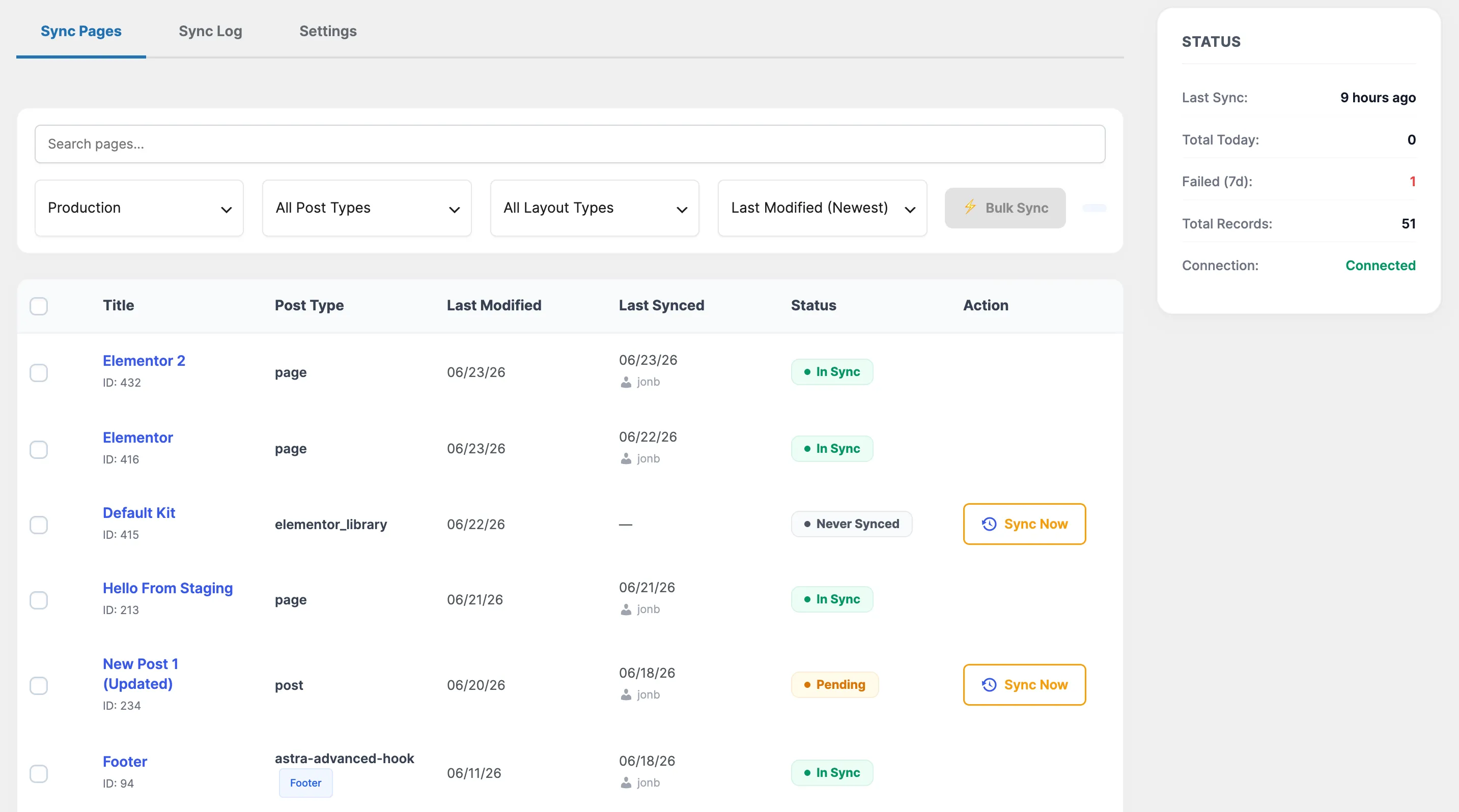
- 4Sync the page to production.
- 5Check the page source for the new title and description.
What about Rank Math and other SEO plugins?
EZ Page Sync's dedicated SEO sync covers Yoast SEO only. If you use Rank Math, All in One SEO, or SEOPress, see our plugin comparison for tools that list those plugins.
Guide FAQ
Frequently Asked Questions
Does Yoast SEO need to be on both sites?
Yes. Keep it active on both, so the data is usable on production and easy to edit on staging.
Will syncing Yoast data change my sitewide Yoast settings?
This sync covers per-page Yoast fields stored in post meta. Sitewide Yoast settings are separate, so manage those on each site.
Is Yoast sync in the Free tier?
No. Yoast SEO sync is a Premium feature.